Nanodev: build client stores in your own editor, with your own AI agent
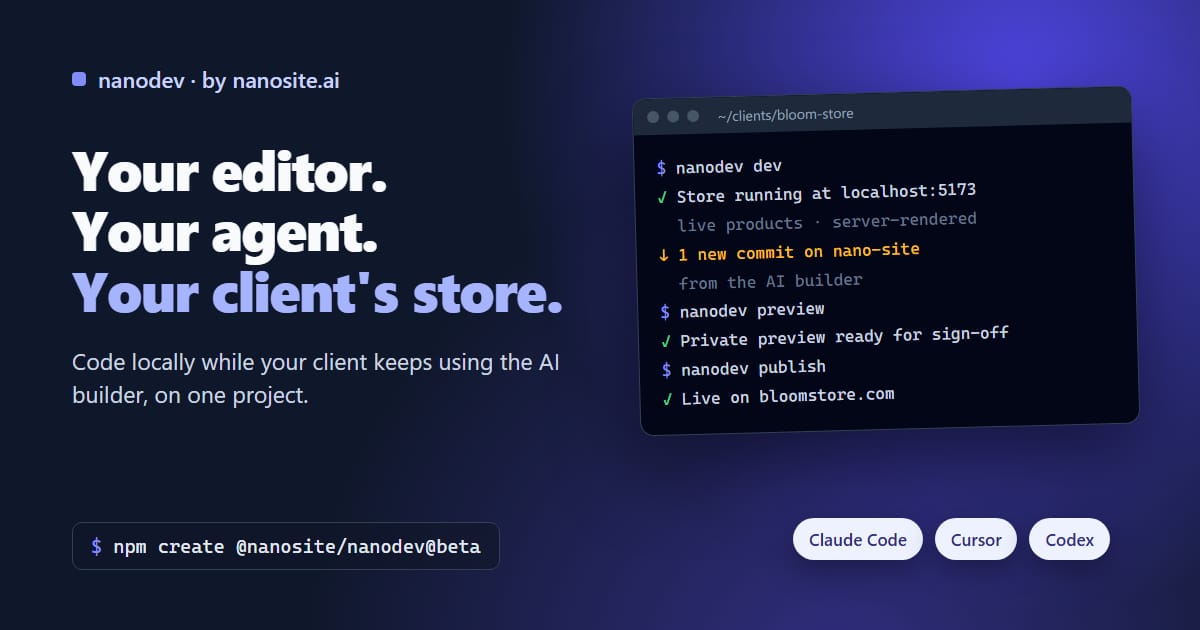
nanodev brings your NanoSite stores and websites to your own computer. Code in your editor with your own AI agent while your clients keep using the AI builder, on the same project.
On this page
The AI builder gets a store live in minutes. But if you build stores for a living, you want more: your editor, your agent, your workflow, and full control over the code you hand to a client.
nanodev gives you that, without taking the AI builder away from your client.
You code, your client chats, nobody waits#
A NanoSite project is one shared codebase. You work on it locally; your client keeps changing copy, products and pages in the AI builder. Both sides stay in sync:
- Your changes show up in the builder ("Updated from local").
- The builder's changes show up in your terminal, ready to pull.
- Nobody is ever locked out. You can push while the AI builder is mid-change.
That makes for a clean handoff: build the hard parts yourself, then hand the store to your client to run with the AI builder. When they need you again, you pull and pick up where they left off.
A real store on your laptop, in one command#
npm create @nanosite/nanodev@beta my-store
Pick a template, and a minute later the store is running on your machine and sitting in your dashboard. Already have client projects? nanodev link lists them and downloads the one you pick.
Locally you get the real thing:
- Live store data: real products, collections, prices and stock, with no API keys to copy.
- Rendered like production: pages are rendered on the server exactly as they are live, so what you see is what Google, ChatGPT and shoppers get.
- Hot reload: save, and the page updates.
Bring the AI agent you already use#
Claude Code, Cursor, Codex, Copilot: use whichever you like. Every project comes with an AGENTS.md that teaches your agent how a NanoSite store works, built from the same guidance our own AI builder follows. Claude Code users also get the nanodev plugin, with skills for stores, websites and the publish workflow.
Your agent writes code the way NanoSite expects, and can run the whole loop itself, from editing to publishing.
Show the client before it goes live#
nanodev preview
You get a private link to your work in progress, running in the same environment as the live store. Send it to your client for sign-off, or use it to test checkout. Nothing changes for anyone else until you push.
When it's approved:
nanodev publish
This publishes the exact version you tested. If your client changes something in the builder while you publish, it waits for the next release. No surprises on the live site.
Built to be safe for client work#
- No leaked secrets: pushes containing keys or
.envfiles are refused. - No surprise upgrades: NanoSite never changes a project's packages on its own. What you install locally is what runs live.
- Nothing is ever lost: every change, yours, your team's or the AI builder's, is in the project history, and restoring an old version never erases what came after.
Who it's for#
- Agencies building and maintaining stores for many clients from one tool.
- Freelance developers who want a hosted store platform without giving up their editor.
- In-house teams where a developer and a store owner work on the same site.
Stores work on any plan; websites need a subscription.
Get started#
npm create @nanosite/nanodev@beta my-store
nanodev is open source and in beta. Find it on GitHub and npm, and read the Develop locally guide to go further. Something missing? Tell us.
Build with your tools, hand off to the AI builder, come back anytime. It's one project either way.